Hey buddy! It’s me again, Monideep Mistry — your friendly neighborhood tech lover who loves gadgets more than snacks (and I really love snacks). Today, we’re gonna talk about something super important… those pesky ads on your Android phone! You know the ones — you tap something and BAM, an ad pops up like it’s trying to surprise you. Not cool, ad. Not cool.
But don’t worry. I found some awesome apps that can block those ads for free. Yup, you heard me right — FREE. And I’m gonna tell you which ones are the best, in a way that even my pet cat (who doesn’t use phones) would understand. So let’s jump into it like we’re diving into a bag of chips!
Best free ad blockers for android
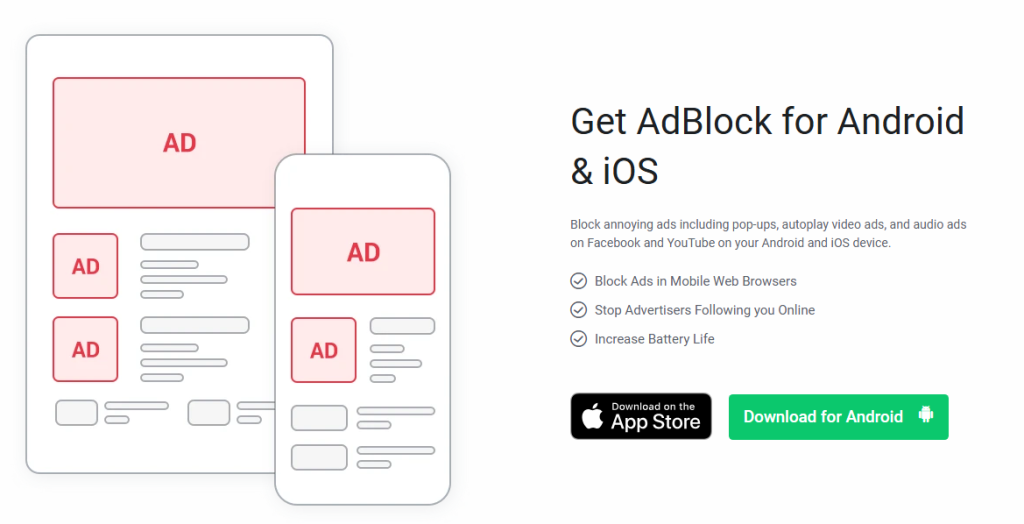
TOTAL ADBLOCK
FEATURES:
- Blocks ads in web browsers like Chrome and Firefox
- Stops tracking cookies (bye-bye creepy internet eyes)
- Has anti-malware filters to keep your phone clean
- Custom filter settings (for picky people like me)
- Easy to use dashboard, even if you’ve got sausage fingers
LIMITATIONS:
- Only blocks ads in browsers, not in all apps
- You need to sign up for an account (yeah, a little extra step)
- Free version has fewer features than the paid one
- Doesn’t work well on some custom browsers
Monideep’s Note: Great for surfing the web without being attacked by banner ads or videos that scream “Buy this NOW!”
ADGUARD
FEATURES:
- Blocks ads in browsers and apps (yup, even in games)
- Offers DNS-level filtering for ultimate blocking
- Includes anti-tracking and phishing protection
- Saves data and speeds up your browsing
- Parental control settings (for nosy kids)
LIMITATIONS:
- Not available directly on Google Play (need to sideload the full version)
- Some features only work with the paid version
- Free version doesn’t block all app ads
- Might need extra setup for full functionality
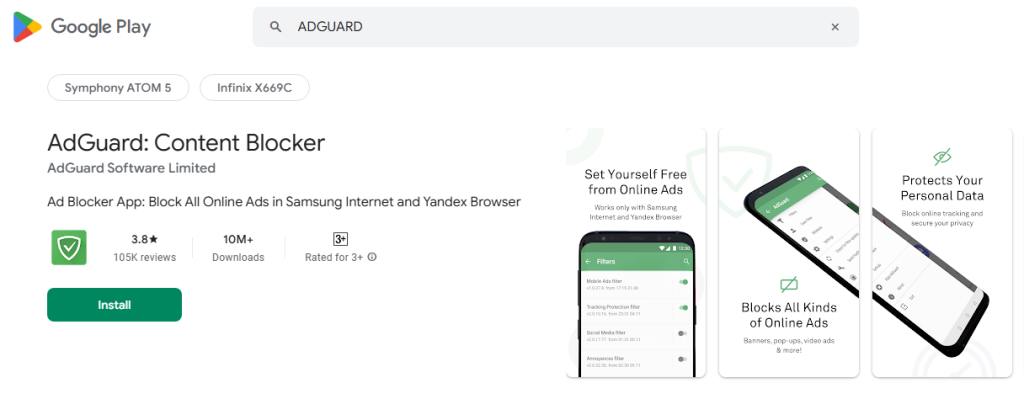
Adguard customer reviews on Playstore
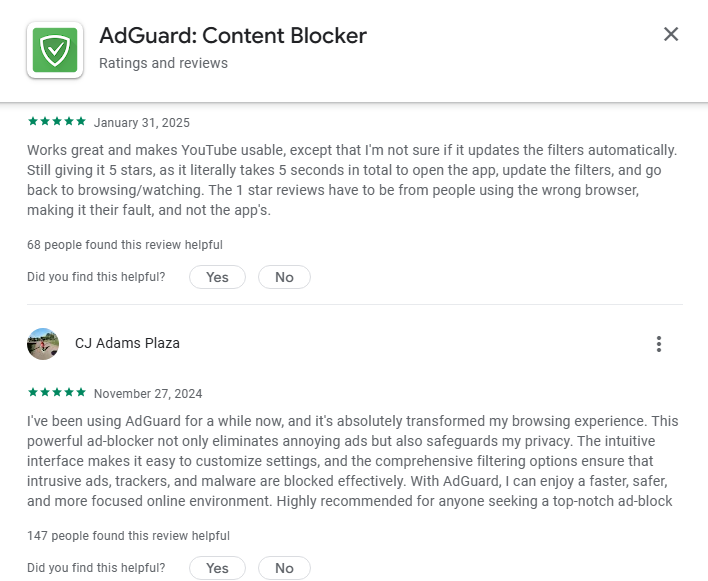
Monideep’s Note: This one’s like a techy Swiss army knife. So many tools in one — just be ready to sideload like a pro.
BLOKADA
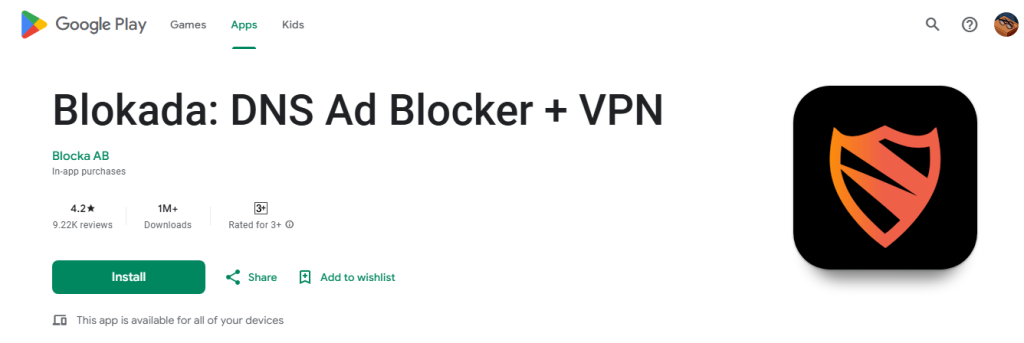
FEATURES:
- Blocks ads, trackers, and malware on both browsers and apps
- Open-source (made by kind geeks who love the internet)
- Built-in VPN for more privacy (even your phone’s confused by how safe you are)
- Doesn’t need root access (woohoo!)
- Lightweight and doesn’t drain your battery
LIMITATIONS:
- Advanced settings may confuse beginners (like my cousin who still asks how to copy-paste)
- Can cause some apps (like Netflix) to act funny if VPN is on
- Sometimes needs manual filter updates
Blokada customer reviews on Playstore
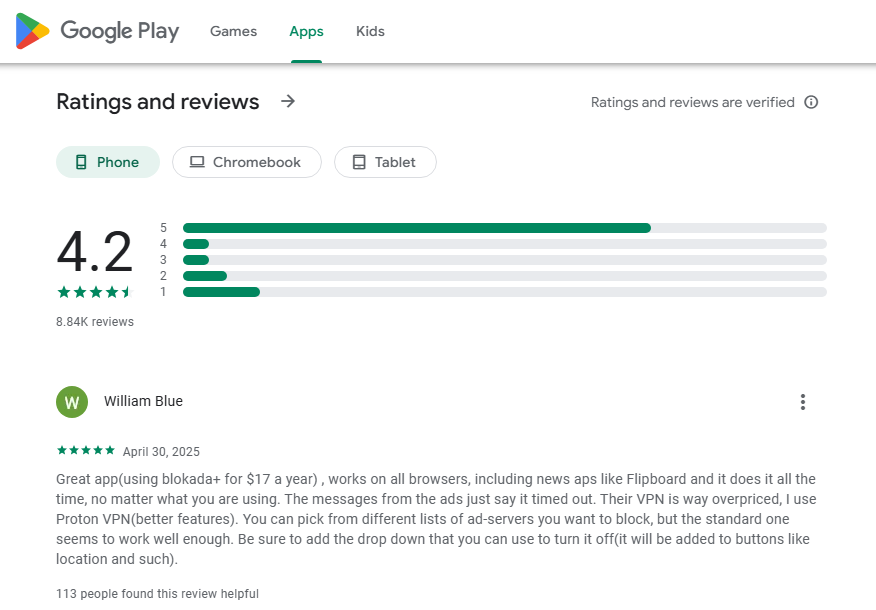
Monideep’s Note: If you want solid ad-blocking and don’t want to mess with your phone’s guts, Blokada is your best buddy.
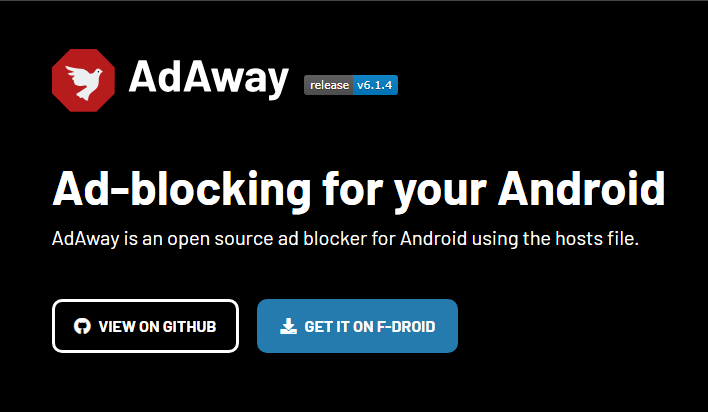
ADAWAY
FEATURES:
- Blocks ads at the root level using hosts files
- Super effective at killing all types of ads (even sneaky ones)
- Open-source and free forever
- Highly customizable filter lists
- Lightweight and fast
LIMITATIONS:
- Requires root access (not for beginners, nope nope)
- Risky if you don’t know how to root properly
- Not on Google Play — need to get it from F-Droid
- Some apps might break if they rely on ad networks
Monideep’s Note: This is the ad-blocking big boss. But like any boss level, you gotta be skilled (aka rooted) to use it.
ADLOCK
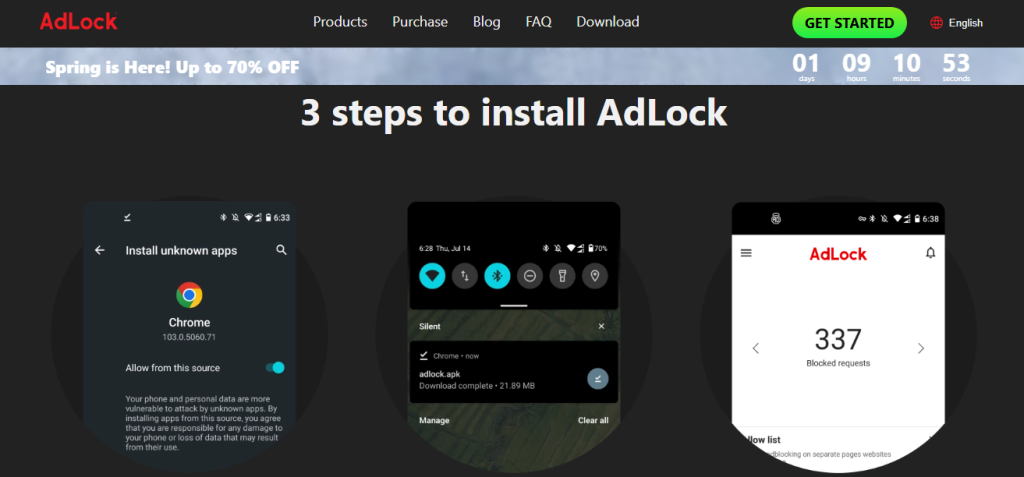
FEATURES:
- Blocks all ads: banners, pop-ups, video ads — you name it
- Works across browsers and apps
- Saves bandwidth by cutting out unwanted content
- Built-in privacy protection
- Simple setup and doesn’t hog battery
LIMITATIONS:
- Free version is limited (some app ads still slip through)
- Interface feels a bit outdated
- Not as customizable as others
- Occasional bugs with streaming apps
Monideep’s Note: This is a no-fuss app. Not the flashiest, but it gets the job done without eating your brain cells.
FINAL MONIDEEP WRAP-UP
Here’s how I’d rate them if they were snacks at a party:
| App | Blocks in Apps | Easy to Use | Needs Root | Best For |
|---|---|---|---|---|
| Total Adblock | ❌ | ✅ | ❌ | Basic ad blocking |
| AdGuard | ✅ | ✅ | ❌ | All-round protection |
| Blokada | ✅ | ✅ | ❌ | Privacy + blocking |
| AdAway | ✅ | ❌ | ✅ | Hardcore users |
| AdLock | ✅ | ✅ | ❌ | Simple and smooth |
FAQS
WHAT IS THE BEST FREE AD BLOCKER FOR ANDROID?
If you want easy setup and strong blocking, Total Adblock or Blokada are great picks. If you’re a power user, try AdAway (just be careful with root!).
DO AD BLOCKERS DRAIN BATTERY?
Nope! Most of these actually save battery because they stop ads from loading. Less work for your phone = more juice for you.
IS IT SAFE TO USE AD BLOCKERS?
Yup — especially the ones we talked about today. They’re trusted by tons of users. Just make sure to download them from official sites or Google Play.
CAN I BLOCK ADS IN YOUTUBE WITH THESE?
Tricky question. Some like AdGuard or AdLock might reduce YouTube ads, but for full blocking — YouTube Premium is the better bet (unless you like puzzles and setting up DNS magic).
DO I NEED ROOT FOR THESE APPS?
Only AdAway needs root. The rest work without it, so no superhero powers needed.
Why aren’t some ad blockers on the Google Play Store?
Google’s policies sometimes restrict apps that interfere with other apps, including blocking ads. Because many apps rely on ads for revenue, ad blockers that block in-app ads might violate these policies, leading to them being unavailable on the Play Store. You might need to download them directly from the developer’s website.